Making a Ghost Mascot with the ip-as-logo Skill
OCTOBER 5, 2026 · Design
My site's logo was a [T] in brackets. I wanted something friendlier that still reads at 32 pixels, so I tried ip-as-logo-skill from GitHub. It makes rounded, baby-faced characters from a few big shapes, two character colors and one flat background. Nothing it makes is complicated, which is why it's now my go-to for logo images.
How it went
I asked for a very simple, cute ghost on deep jade. The skill doesn't generate right away. It proposes three directions and wants approval on a batch of six first. It also requires a strong image model and refuses to fall back to SVG, so I ran it through the Figma connector's image tool with gpt-image-2.5-sunburst.
I generated four of the six: two round ghosts, one with raised arms, one sleepy. I liked the round one (A1) and the raised-arms one (B1).
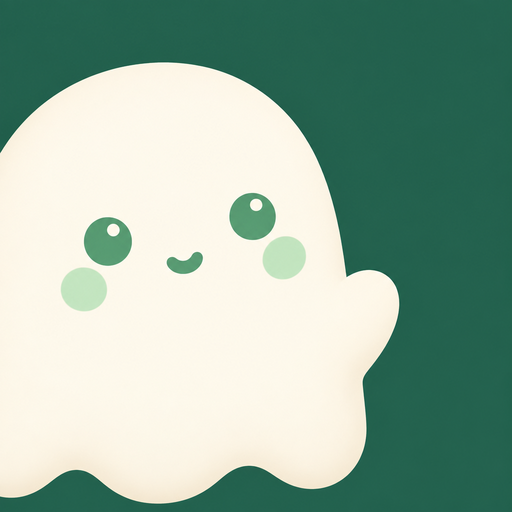

B1 stayed readable when shrunk, so it went on the site.
Making it fit
My first try was a large ghost in the home hero and another on the About page. I didn't like either. The image's green was close to my accent color but not the same, so it looked like a square pasted onto the page. I recolored the background to the site's #426156, cropped it to a circle, and used it for the nav logo and the tab icon.
Next time
I gave the generator a jade hex I'd picked by eye instead of my site's real accent color, and I had to fix the mismatch afterward. Next time the real hex goes in the prompt. The model also put white highlights in A1's eyes, which broke the two-colors-plus-background rule. The skill says to keep whatever comes back, so I did.